 Simplesaurus
Download
 Simplesaurus
FOSS word processor for an efficient workflow
Designed by me to perfectly fit my needs. Perhaps it could help you too?
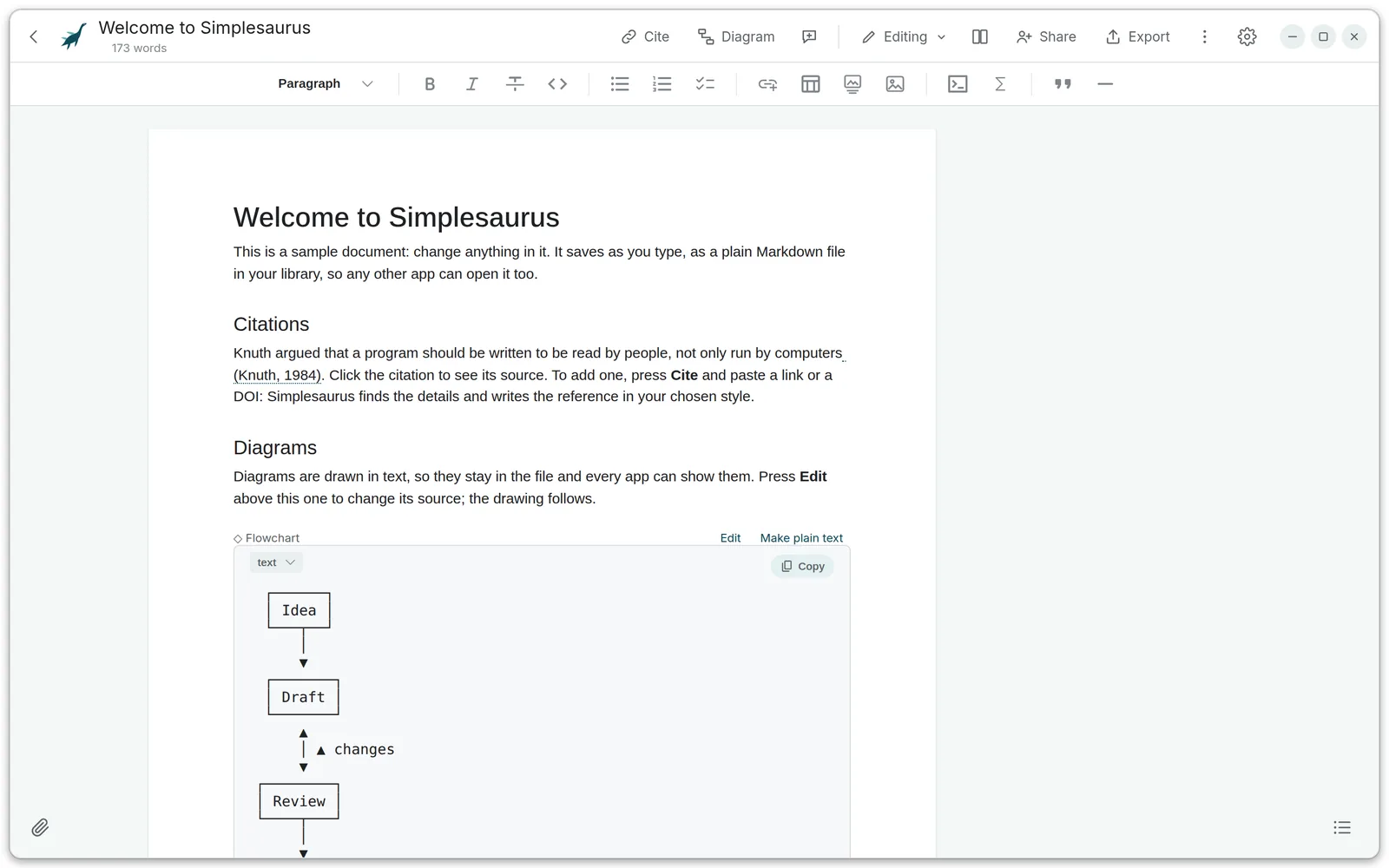
The app
A word processor built on open source.
github.com/simplesaurus TauriThe desktop app
 RustThe app’s core
 MilkdownThe editor
 ProseMirrorUnder the editor
 CodeMirrorCode and source
 YjsShared documents
 KaTeXMaths
 PDF.jsReading PDFs
 HarperGrammar checking
 CandleLocal AI models
 TypeScriptThe interface
 ViteThe build
And Inter, micromark, mammoth, docx, libgit2, Tokio, Axum and many more.
Why it exists
My goal was to combine the simplicity and portability of a Markdown file with the convenient workflow of a Google Doc.
-
1
Write as in a word processor
Headings, lists, tables and footnotes, edited as you see them. It all saves as you type, as a plain Markdown file.
-
2
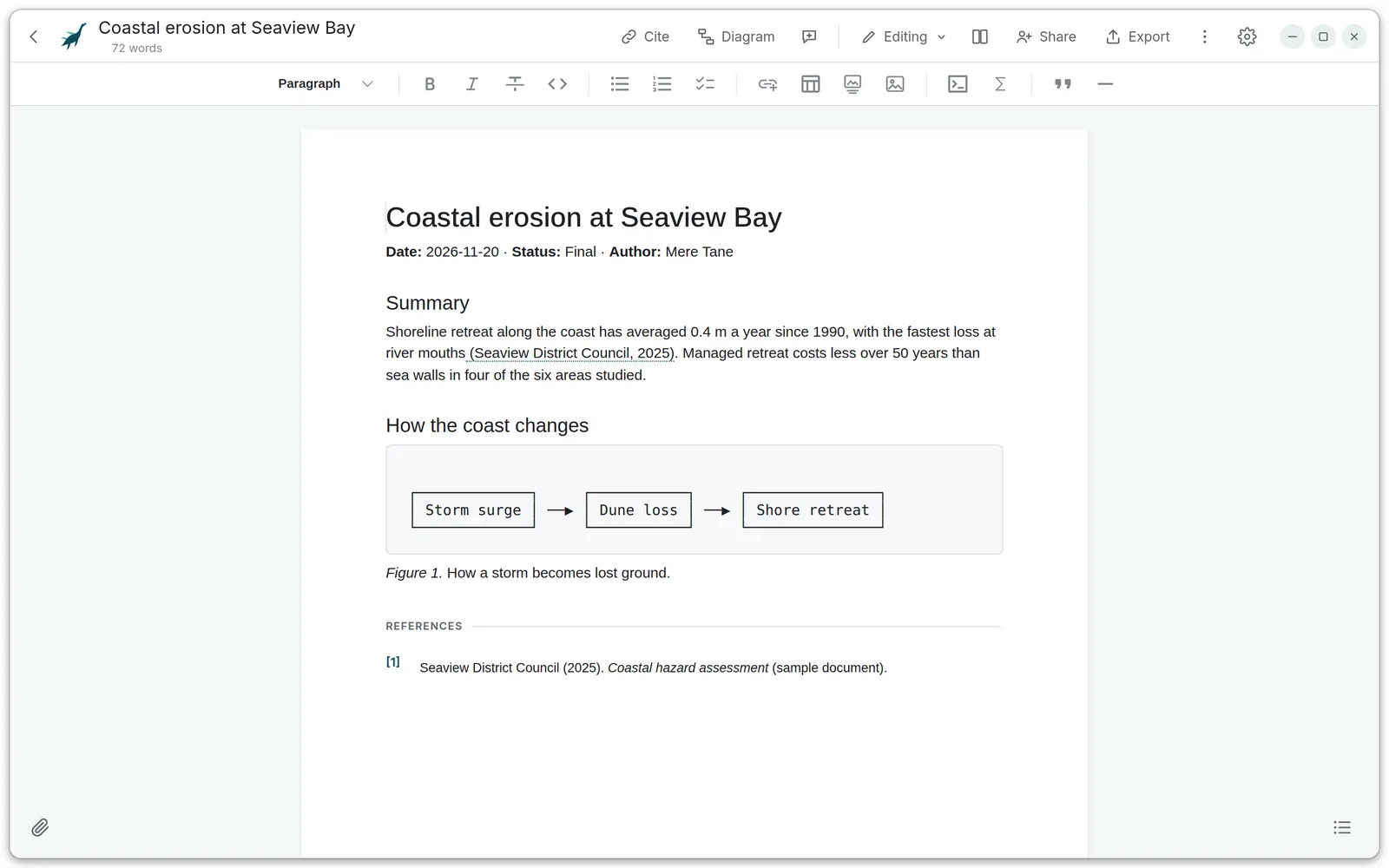
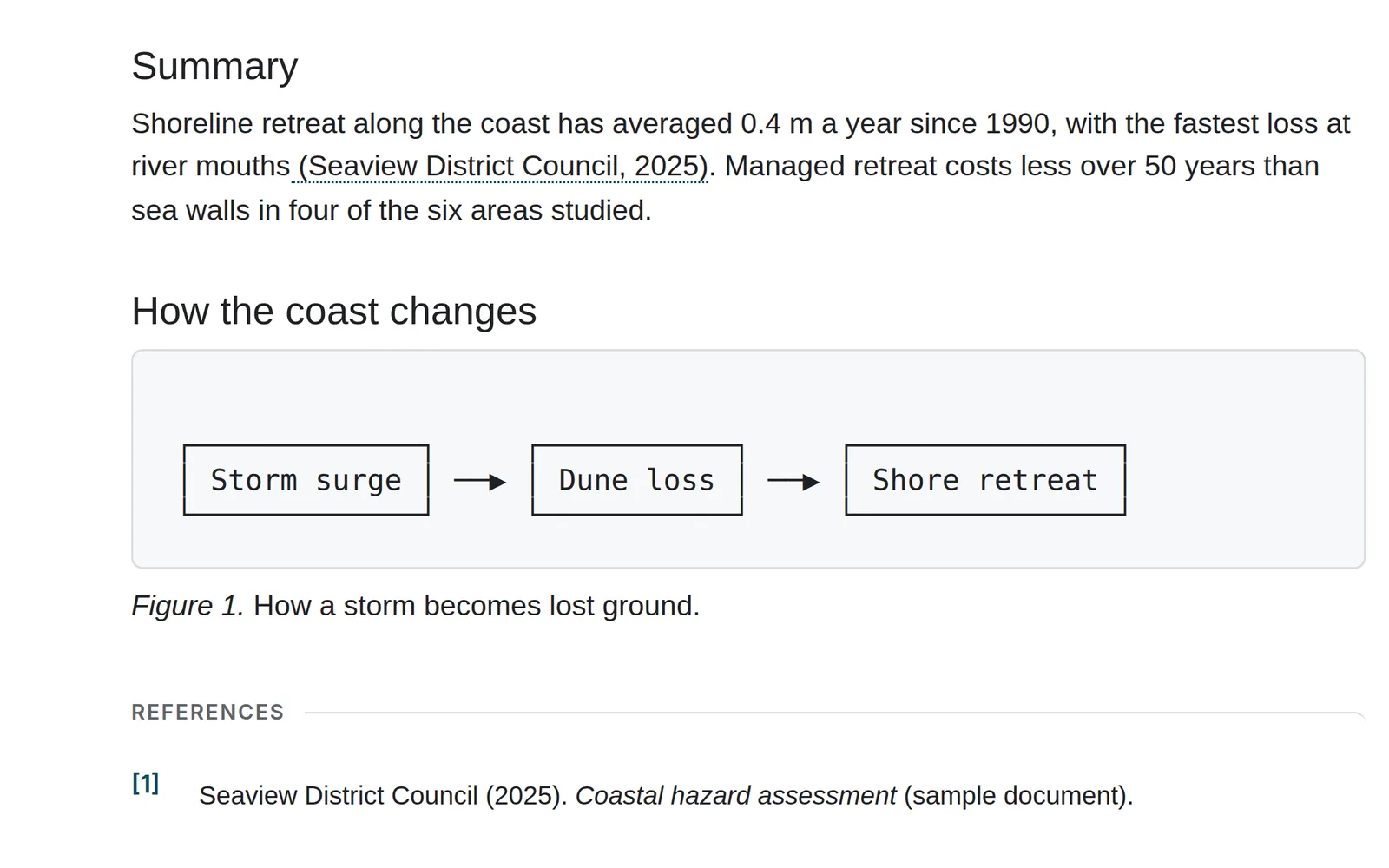
In-text citations and references
Citations and references are linked automatically, and the citation style can be changed at any time (e.g. switch from APA to IEEE at the click of a button).
-
3
Your document library
Sort your files using a simple tab folder system. Your documents are automatically sorted into New, so they are quick to find while you are working on them. Once you have finished working on a document, you can sort it into its permanent location.
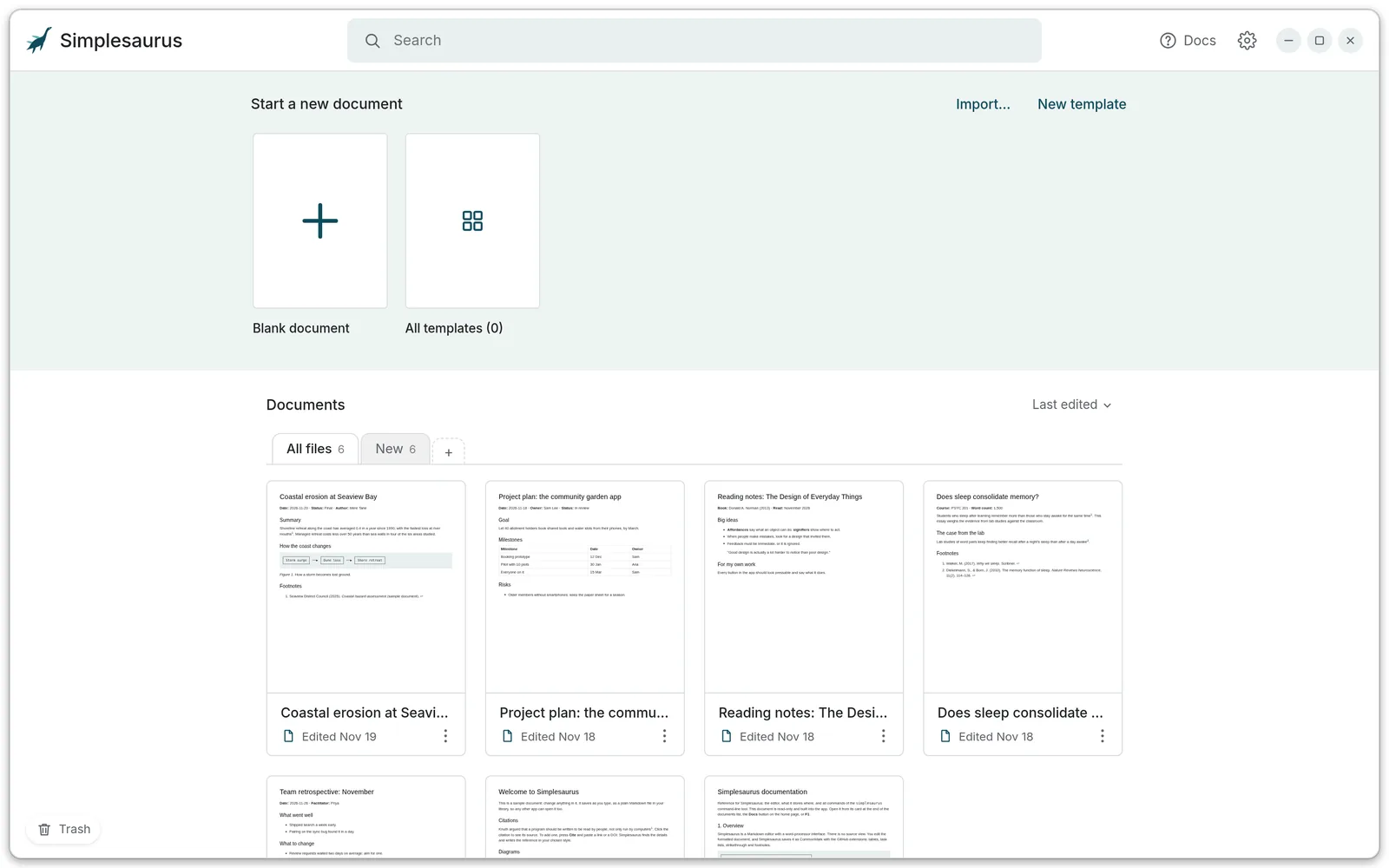
-
4
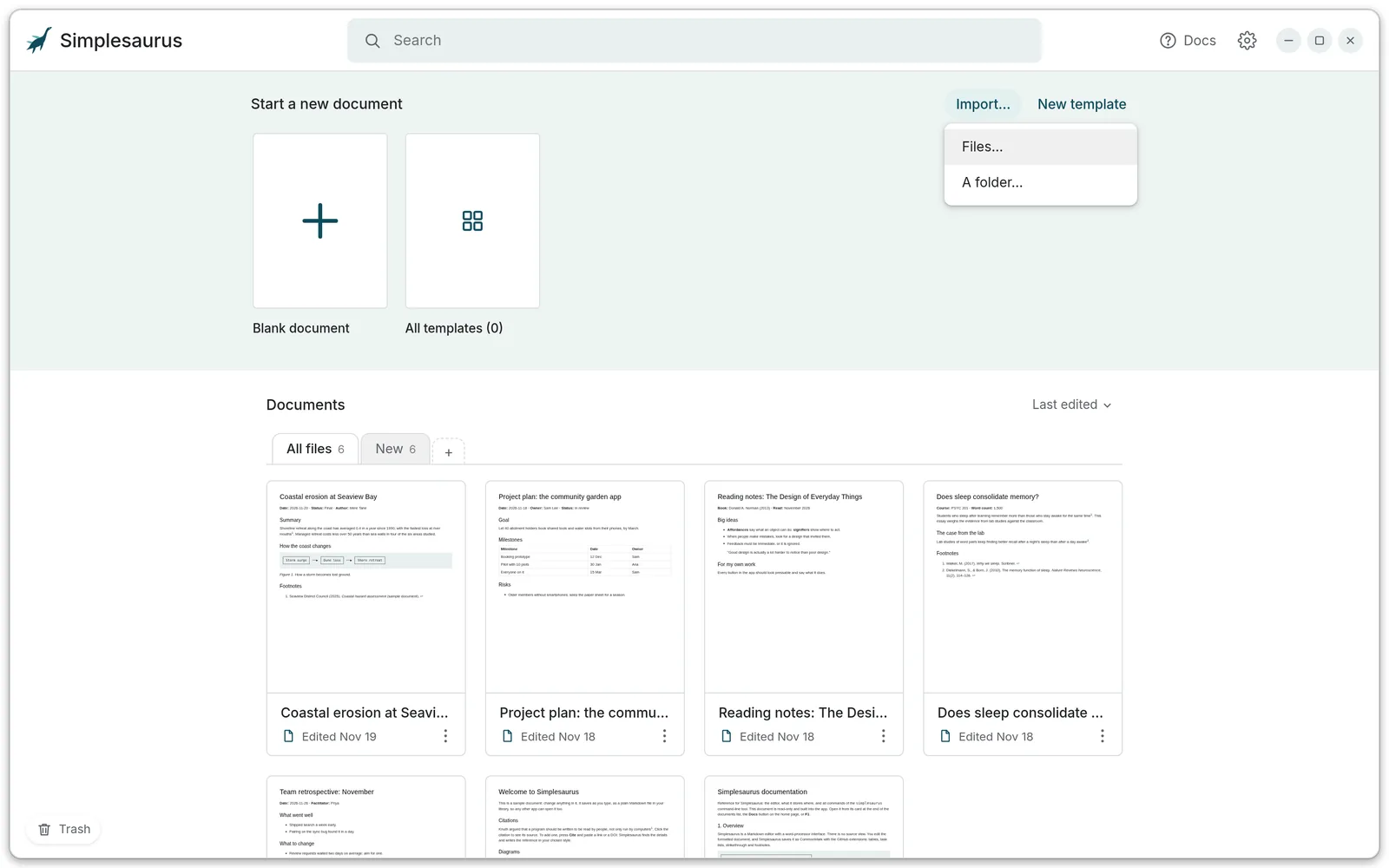
Bring the files you have
Import Markdown, text or Word files, one at a time or a whole folder.
Diagrams
In-text, Markdown-friendly graphs and diagrams
We support the following kinds of embedded diagrams:
Citations
Built-in citation manager
The busywork of referencing, done for you. Its AI checks run entirely on your computer.
- Bibliography entries from a linkPaste a link or a DOI and the reference is filled in for you by Citoid, Wikipedia’s citation service.
- Check sources for AIEstimates how much of a source reads like AI-generated text, using Fast-DetectGPT and a model on your computer. A reason to look closer, never proof.
- Detect uncited claimsUnderlines sentences that state a fact but cite nothing, using rules and Qwen2.5 1.5B, a small AI model that runs on your computer.
- Correct in-text citationsCitations are written for you in your chosen style (APA 7, Harvard, Chicago, MLA 9 or IEEE) and update when you switch.
Cite
Found
Knuth, D. E. (1984). Literate programming. The Computer Journal, 27(2), 97–111.
Check for AI writing
On this computerReads like typical human writing
Literate programming
Knuth argued that a program should be written to be read by people, not only run by computers .
Pick a style, then click the citation to see its source.
References
[1] Knuth, D. E. (1984). Literate programming. The Computer Journal, 27(2), 97–111.
Source
Knuth, D. E. (1984). Literate programming. The Computer Journal, 27(2), 97–111.
doi.org/10.1093/comjnl/27.2.97Suggestions
In-text edits and suggestions
This sample document takes only a few minutesminute to read.
Agents
Claude writes in your document.
Claude Code · terminal
$ simplesaurus source add https://en.wikipedia.org/wiki/Self-documenting_code
en-self-documenting-code-f9e8 Self-documenting code 6372 characters, 1 page
$ simplesaurus cite en-self-documenting-code-f9e8 …
simplesaurus: cite needs --receipt: read the whole source first
$ simplesaurus source read en-self-documenting-code-f9e8
Source code written to enable use by others without prior experience …
⟦receipt part 1 of 4: 6d6c⟧ ⟦2 of 4: fc06⟧ ⟦3 of 4: 966b⟧ ⟦4 of 4: 64ad⟧
$ simplesaurus cite … --receipt 6d6c-fc06-966b-64ad
Cited [^en-wikipedia-self-documenting-code] after “Names alone cannot explain why the code was written the way it was”
Claude reads a source before citing it.
- It adds the source to your library.
- A citation is refused until it has read the whole source.
- Reading it gives a receipt, part by part.
- It cites with the receipt and a quote the source really contains. A made-up quote is refused too.
Real output of the simplesaurus command, lightly shortened.
Reading
Read your sources beside your writing.
Open a PDF in the left-hand panel and write in the right, without switching windows.
Your files
Plain Markdown files. Open them in any app.
The same file, opened elsewhere. Diagrams are text, so they come along.
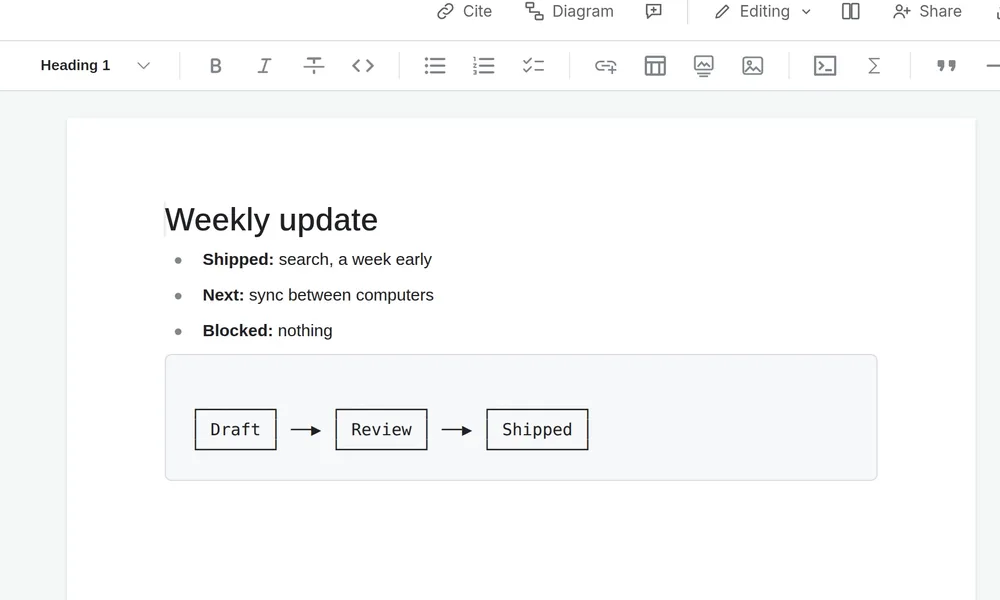
Simplesaurus 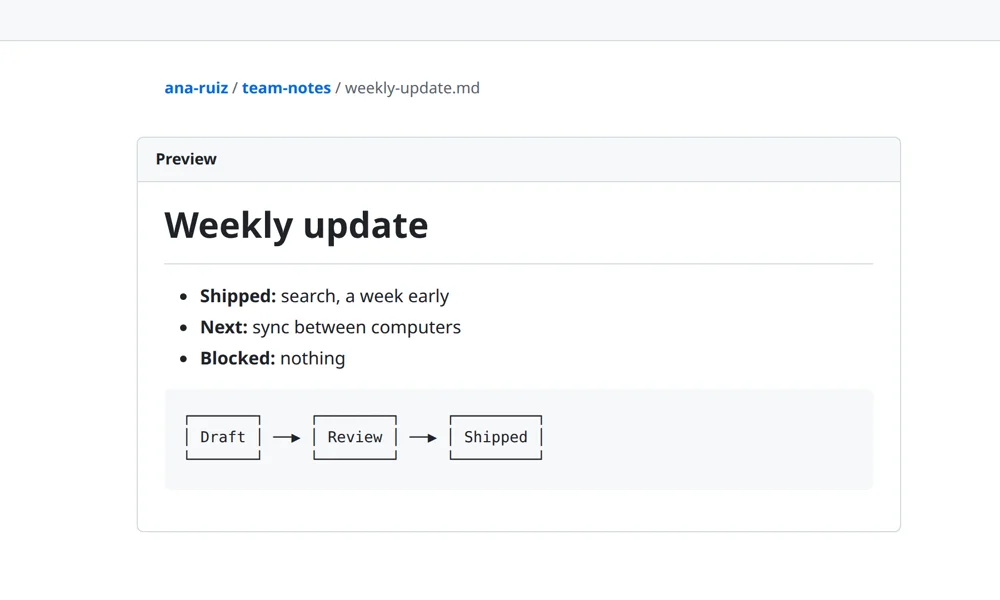
GitHub 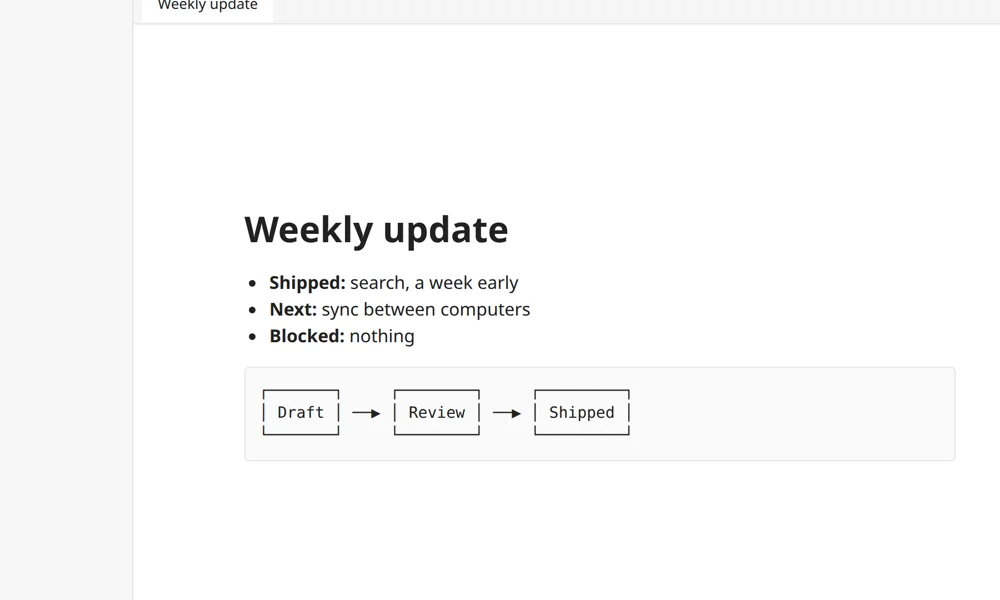
Obsidian 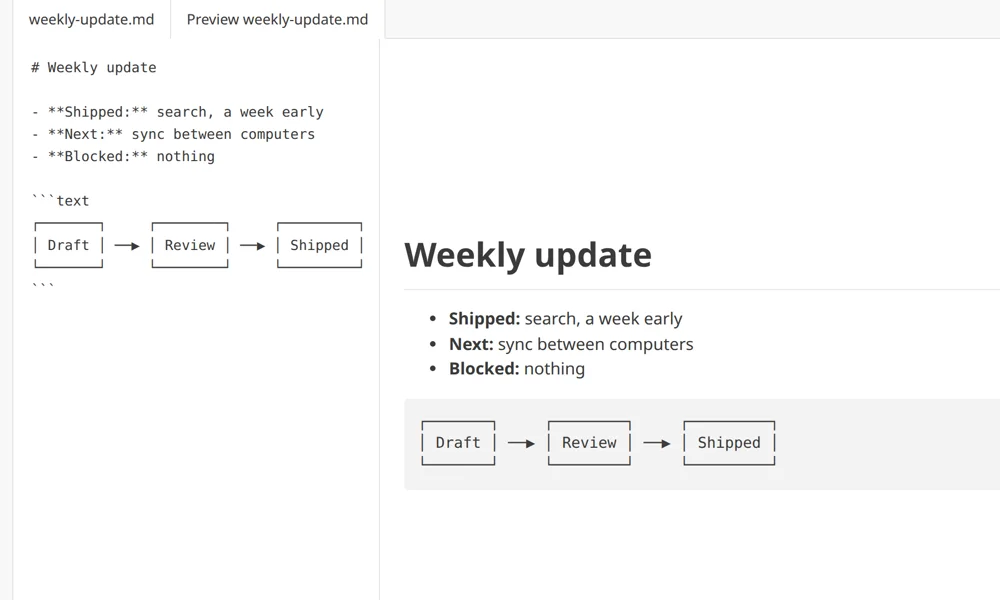
VS Code 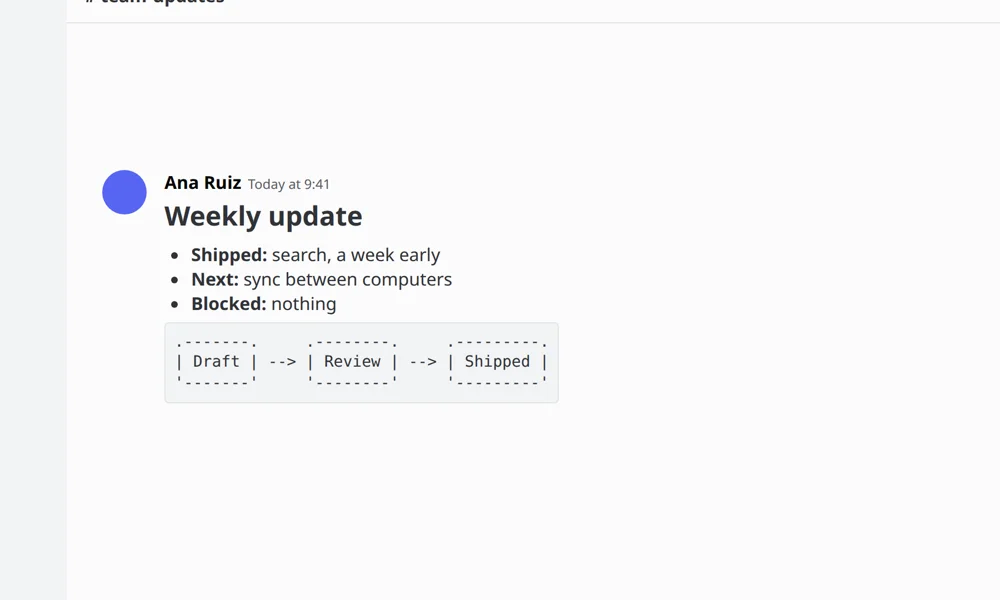
Discord 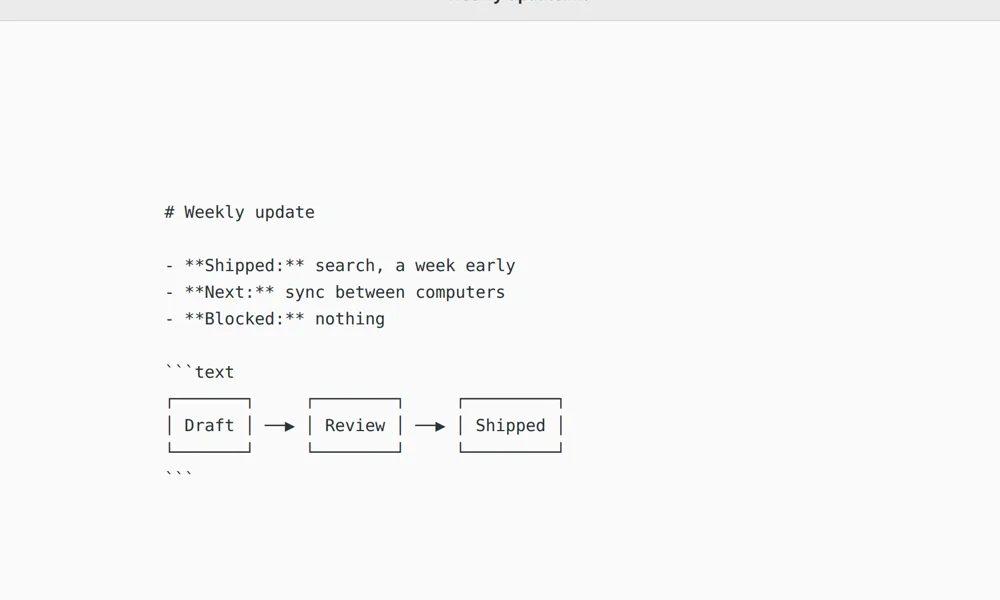
Any text editor
Simplified illustrations of each app.
Export
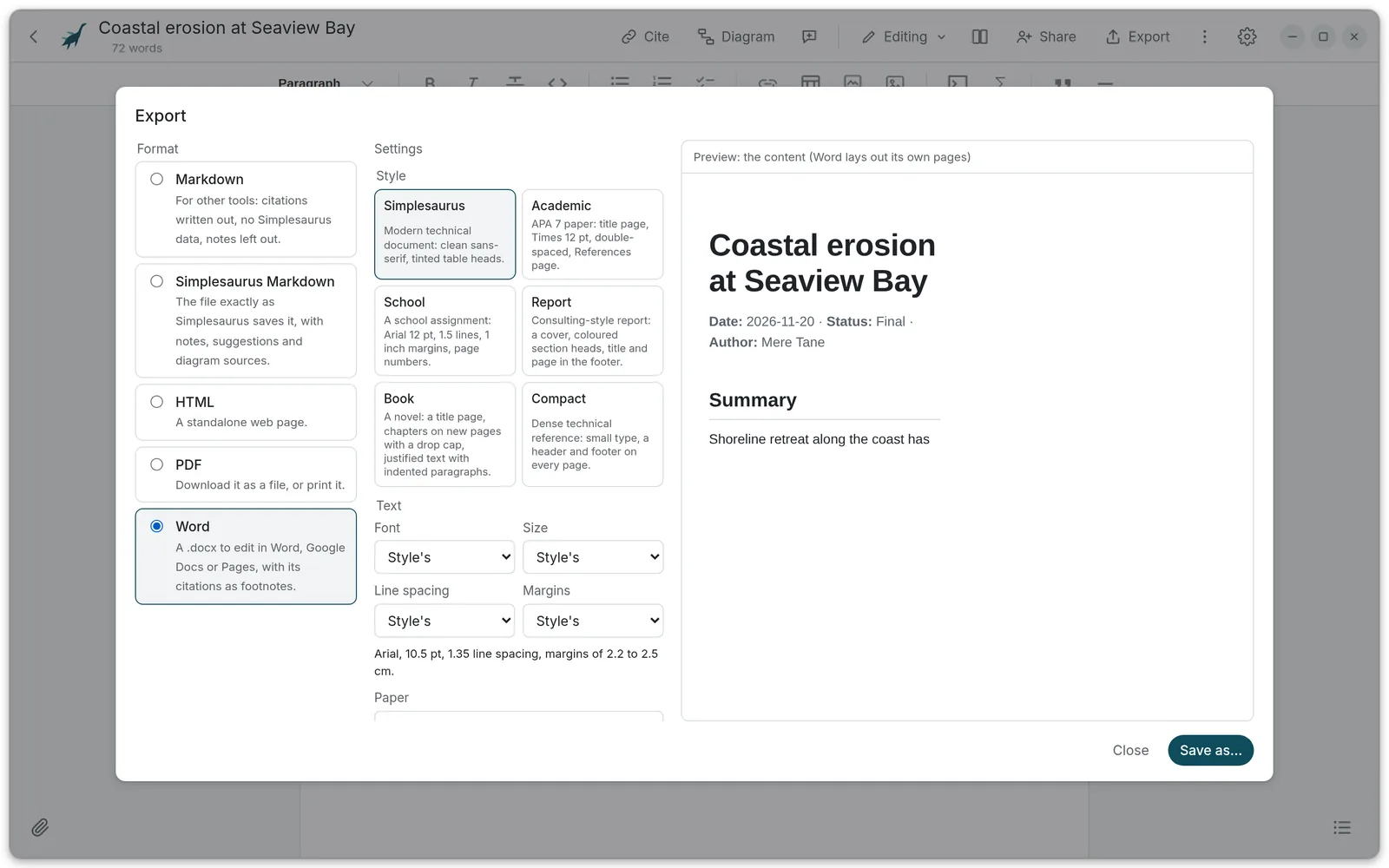
Choose the style when you export.
Write first and make the style decisions at export time, so the whole document comes out consistent. Start from a preset for academic papers, school work or technical reports.
- SimplesaurusA modern technical document: clean sans-serif, tinted table heads.
- AcademicAn APA 7 paper: title page, Times 12 pt, double-spaced, References page.
- SchoolA school assignment: Arial 12 pt, 1.5 lines, 1 inch margins, page numbers.
- ReportA consulting-style report: a cover, coloured section heads, title and page in the footer.
- BookA novel: chapters on new pages with a drop cap, justified text, indented paragraphs.
- CompactA dense technical reference: small type, a header and footer on every page.
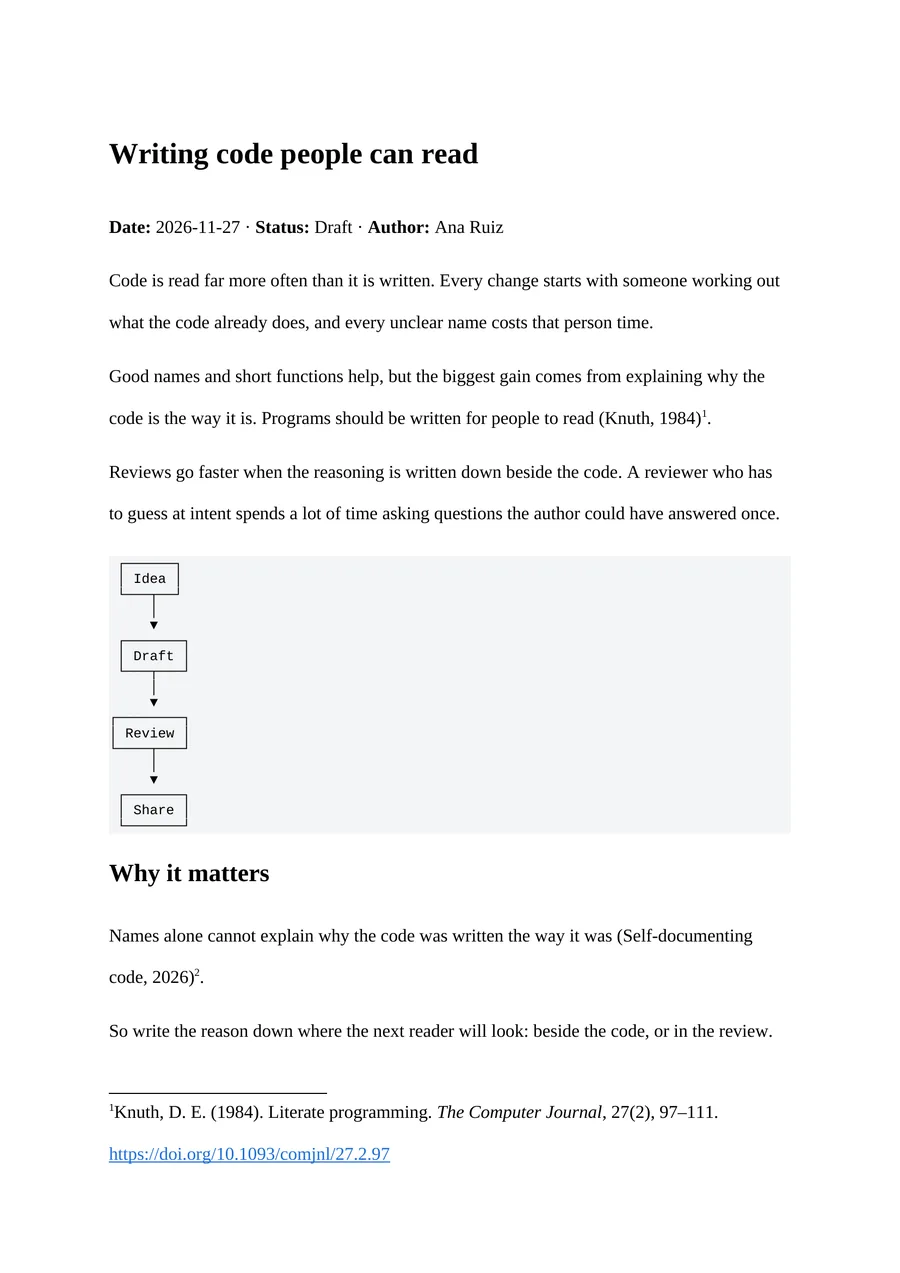
Then export as Markdown, HTML, PDF or Word. Word files keep their citations as footnotes, ready for Word, Google Docs or Pages.
- Markdown
- Simplesaurus Markdown
- HTML
- Word
And the rest
Everything a document needs.
- TablesAdd rows and columns as you write.
- Task listsTick things off inside the document.
- MathsEquations alongside your text.
- Code blocksMonospaced, with a copy button.
- ImagesPictures and figures in the page.
- CommentsLeave notes for later or for others.
- TemplatesReports, essays, plans and notes.
- SearchFind any document from the library.
Watch
See it in 54 seconds.
FOSS word processor for an efficient workflow
Install with one command
curl -fsSL https://simplesaurus.app/install.sh | sh
On Debian, Ubuntu and Mint it installs the .deb and asks for your password once. Elsewhere it puts the AppImage in ~/Applications, with a menu entry. Read the script.
Or download a package: .deb for Debian, Ubuntu and Mint · AppImage for any distribution
Free · Linux on 64-bit Intel and AMD